
Hey Detective!
Our very own newsletter helps you stay connected with Orchid Island wherever you go. Sent straight to your email inbox, you’ll get the latest news on special contests, events, game updates, and free gifts including Coins, decorations, and more!
From time to time, you will get a pop-up in your June’s Journey game, giving you a chance to sign up for our newsletter.

All you have to do is type your email in the text box and press Subscribe.
Tip: Be sure to double check that you’ve typed your email correctly.
As soon as you press Subscribe, an automated confirmation request will be sent to the email address you have entered. You are not subscribed to our newsletter until you open this email and click on the green button marked “Yes, I confirm!”

This step is necessary to ensure that your email address is valid, and that you truly wish to subscribe to our newsletter. This is also to protect your personal information as our player.
After clicking this button, a page will load that confirms the process was successful.
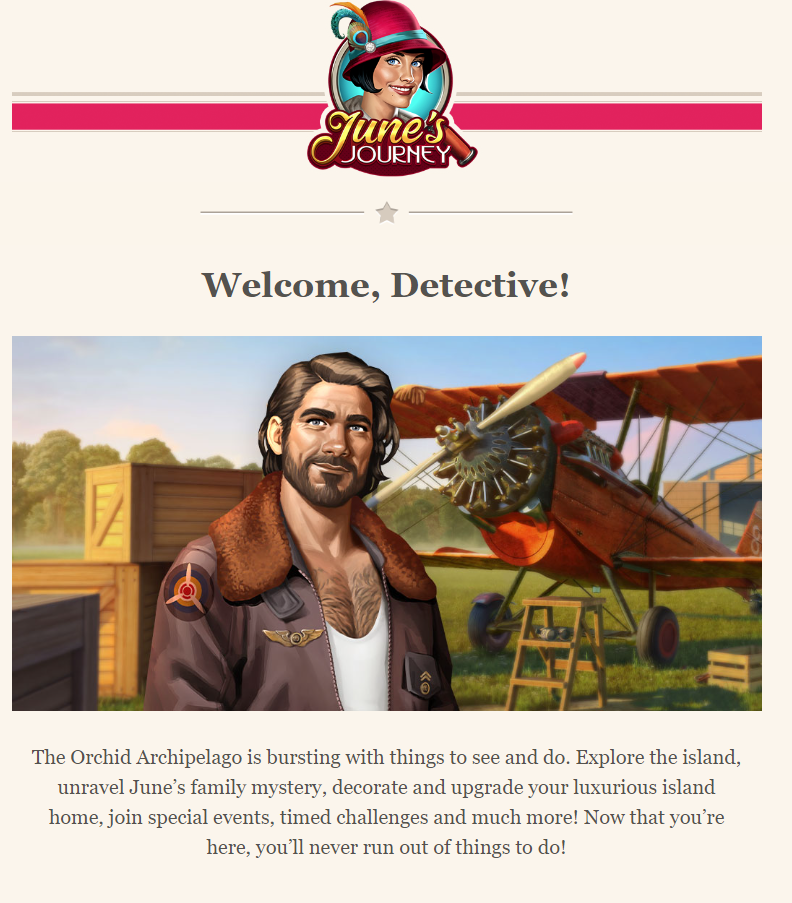
Once you have correctly completed the process up to this point, the only thing remaining is to receive our welcome email. This email serves as your first introduction to our June’s Journey newsletter. Luckily for you, you will receive a special gift by completing the sign-up process!
Note: You can only subscribe to our newsletter once. If your email address is already subscribed and you go through the process again, you will not receive the gift a second time.
If you subscribe to our newsletter with two different email addresses, you will receive the newsletter in both of your email inboxes, but the gifts can only be received in the game once.
If you are having trouble redeeming your reward, please see our guide on how to redeem gift links.
What can I do if I did not receive the June’s Journey newsletter?
Confirmation email for new subscribers
To receive our newsletters, you first need to subscribe. Please find the instructions here.
If you have just subscribed and have not received the confirmation email after 10 minutes, please follow the steps below:
- Make sure you check your mailbox folders like spam, advertisements, promotions, and others. Automated emails from new senders are often placed there
- Try searching for [email protected] in the search bar of your email service provider
If, after attempting each of these steps, you still have not received the confirmation email, please contact us using this link, and our team will investigate this issue further for you.
General solutions
If you successfully subscribed and still do not receive our newsletters, here is a list of potential solutions:
- Make sure you check all mailbox folders like spam, advertisements, promotions, and others
- Search for [email protected] in your mailbox
- If you still cannot find it, it is possible that your email provider is blocking it. In this case, please try whitelisting our email address
- Please review your list of blocked contacts, your settings, and your folder of deleted messages. Some emails are occasionally marked as deleted messages
- One common reason for not receiving emails is full storage of the email inbox. If your inbox storage is full, you can delete some old messages or get more storage
If you followed these instructions and still do not receive our emails, please contact us here.
If you are having trouble redeeming your reward, please see our guide on how to redeem gift links.